• Login
  • Register for free!
  • Activities Wall
  • Buscador de STLs
  • Community
  • Members
  • Courses
  • Forums
  • Groups
  • Create and share
  • ➕ Create Course
  • ➕ Create Group
  • ➕ Create discussion
Your 3D printing community
  • Home
  • Blog
    • 3D Printing and Technology
    • Tips and Tutorials
    • Faults and solutions
    • Maintenance
    • Slicing software
      • PrusaSlicer
      • Ultimaker Cura
  • Members
  • Forums
  • Spanish
    Iniciar sesiónRegistrarme
    Your 3D printing community
    Your 3D printing community
    • Home
    • Activities Wall
    • Login
    • Register for free!
    • Buscador de STLs
    • Members
    • Courses
    • Forums
    • Groups
    • ➕ Create Course
    • ➕ Create a Group
    • ➕ Create discussion

    Category: Slicing software

    In this section you can find tutorials and guides on the use of cutting programs such as Cura and PrusaSlicer, as well as techniques to optimize the quality and speed of printing to achieve optimal results in your 3D prints.

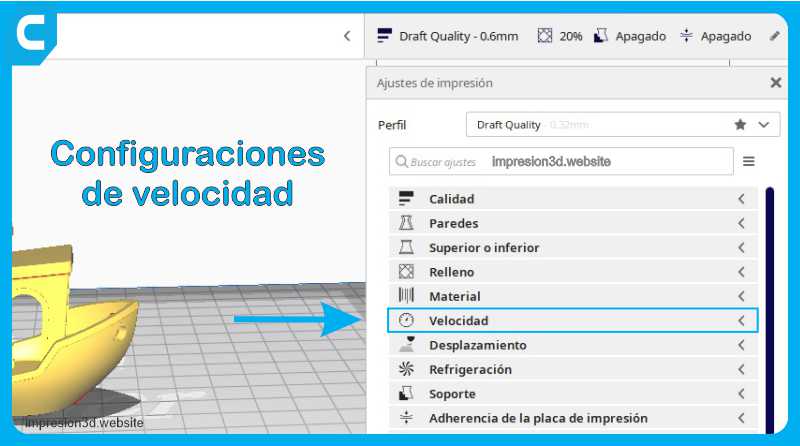
    Speed settings in cura 3d printing

    Speed settings, Cura in Spanish.

    Print Speed This setting defines the speed at which the model will be printed in mm/s. With a high speed, the printing times will be…

    convenience
    Dario 28/10/2022
    0 Comments

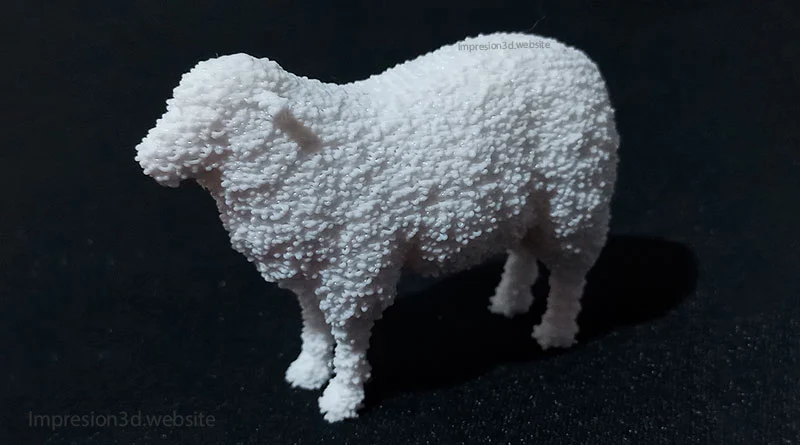
    Fuzzy Lining in Cura – Add texture to your models!

    The Fuzzy Skin feature is a hidden option in Cura's experimental settings, when activated by the printer nozzle…
    convenience
    Dario 25/10/2022
    2 Comments
    How-to-separate-objects-from-an-STL-and-export-them-individually-cover

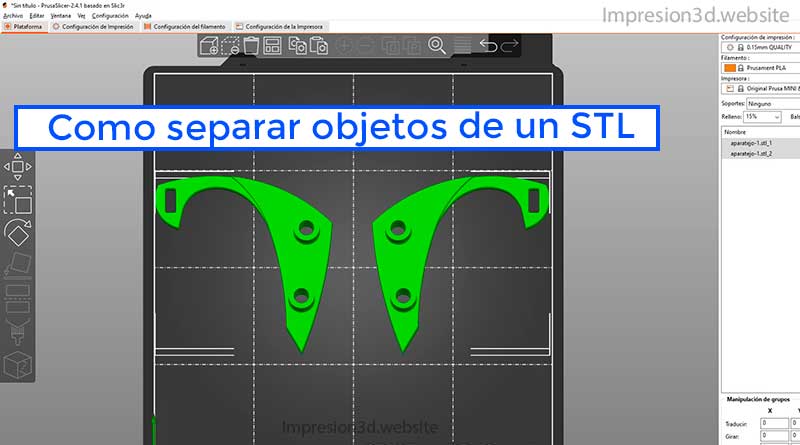
    How to separate objects from an STL and export them individually

    To separate objects within the same STL file you will need to use a program like PrusaSlicer to split them. Now you have your model in a file…

    convenience
    Dario 28/03/2022
    0 Comments
    Support-Settings-in-Cura-Homepage

    Cura Support configurations

    When it comes to printing complex 3D models, supports are an essential part of the process. In Ultimaker Cura, you can customize and adjust a wide range of support…
    convenience
    Dario 23/02/2022
    0 Comments
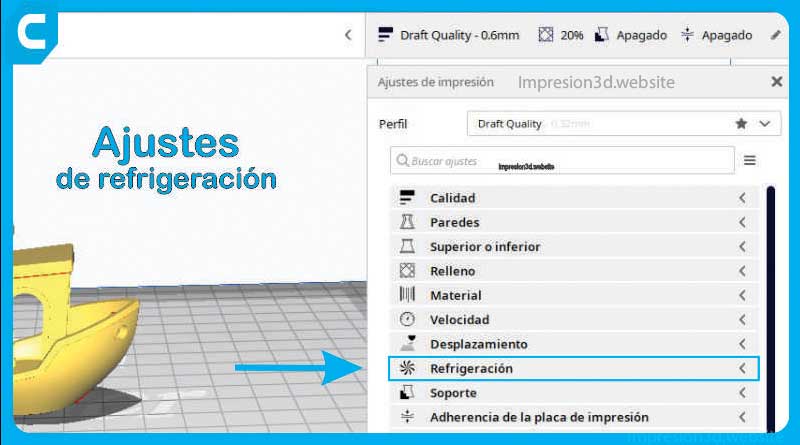
    Cura ultimaker cooling settings layer fans

    Cooling Settings in Cura

    Cooling settings in Cura allow you to enable layer fans during printing, these ensure that the material is properly cooled before…
    convenience
    Dario 22/02/2022
    0 Comments
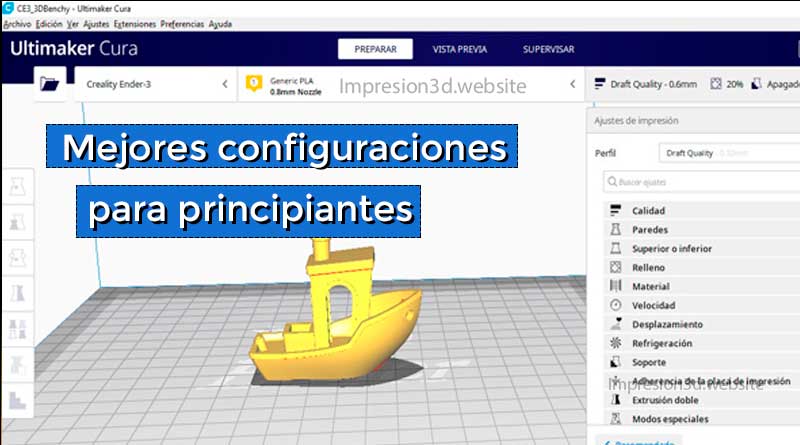
    Best Cura setups for beginners

    Best Cura setups for beginners

    The best Cura settings will allow you to make better 3D prints with fewer errors and a better time/quality ratio. Ultimaker Cura is an application…
    convenience
    Dario 25/01/2022
    0 Comments
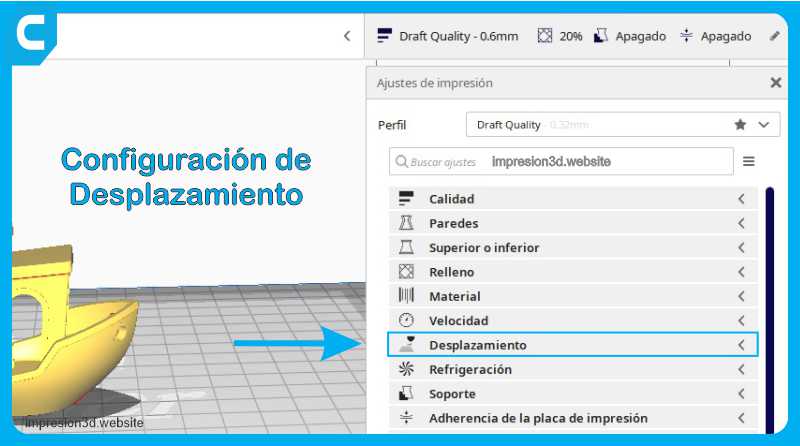
    Cura displacement settings Impresion3d

    Scroll settings in Cura

    Hello! In this article, you are going to read about the different offset settings in Cura. We will explore options such as retraction, comb mode, and more…

    convenience
    Dario 25/09/2021
    0 Comments

    Upper and lower layers, in Cura

    The configuration of the top and bottom layers in 3D printing is essential to obtain a high-quality part. In this article, we will show you how to…
    convenience
    Dario 19/08/2021
    0 Comments
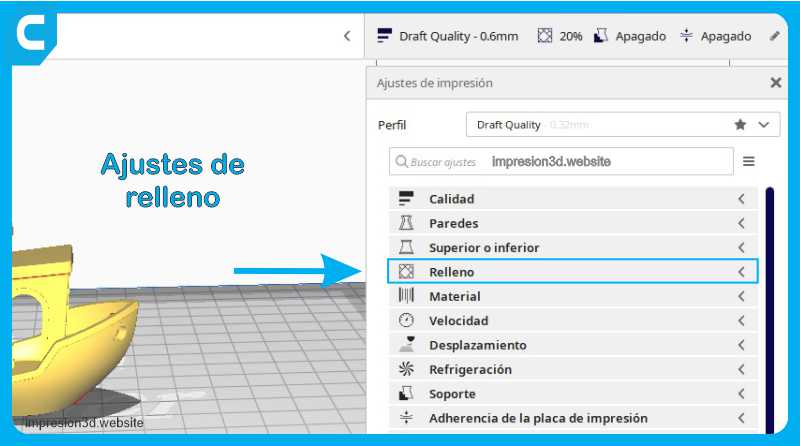
    Cura fill settings in Spanish Impresion3d

    Fill settings, cure in Spanish.

    Infill Density Infill density determines how much plastic the model will have inside. A higher infill density means melting more plastic.
    convenience
    Dario 18/08/2021
    0 Comments

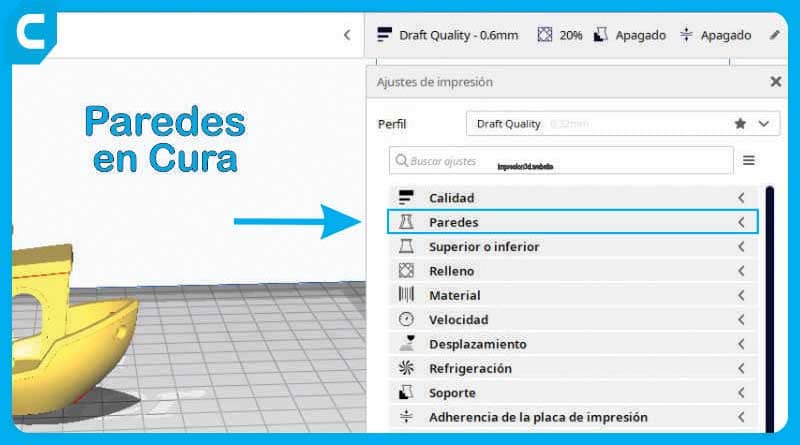
    Wall Configuration, Ultimaker Cura in Spanish

    Wall settings in Cura provide the ability to make adjustments to wall thickness, number and printing sequence, as well as…

    convenience
    Dario 17/08/2021
    2 Comments
    Load More

    Disclosure of affiliates

    This site participates in the Amazon affiliate and may receive commissions on purchases made from our links.

    Advertising

    © 2026 - Impresion3d.website
    • Legal Notice
    • Privacy policy
    • Cookies policy
    • Safety standards
    • About Me
    • Contact
    • Spanish
    • Cookie Policy (EU)
    Managing cookie consent
    To deliver the best experiences, we use technologies such as cookies to store and/or access device information. Consent to these technologies will allow us to process data such as browsing behavior or unique IDs on this site. Not consenting or withdrawing consent may negatively impact certain features and functionality.
    Functional Always active
    Technical storage or access is strictly necessary for the legitimate purpose of allowing the use of a specific service explicitly requested by the subscriber or user, or for the sole purpose of carrying out the transmission of a communication over an electronic communications network.
    preferences
    Technical storage or access is necessary for the legitimate purpose of storing preferences not requested by the subscriber or user.
    Statistics
    Storage or technical access that is used exclusively for statistical purposes. Technical storage or access used exclusively for anonymous statistical purposes. Without a request, voluntary compliance by your Internet service provider, or additional records from a third party, information stored or retrieved solely for this purpose cannot be used to identify you.
    Marketing
    Technical storage or access is necessary to create user profiles for sending advertising, or to track the user on a website or across multiple websites for similar marketing purposes.
    • Manage options
    • Manage services
    • Manage {vendor_count} vendors
    • Read more about these purposes
    View preferences
    • {title}
    • {title}
    • {title}

    Reportar

    Hubo un problema al reportar este post.

    Harassment or bullying behavior
    Contains mature or sensitive content
    Contains misleading or false information
    Contains abusive or derogatory content
    Contains spam, fake content or potential malware

    ¿Bloquear miembro?

    Por favor, confirme que desea bloquear a este miembro.

    Ya no podrá:

    • Ver publicaciones de miembros bloqueados
    • Mencione a este miembro en las publicaciones
    • Invitar a este miembro a grupos
    • Message this member
    • Agregar este miembro como conexión

    Tenga en cuenta: Esta acción también eliminará a este miembro de sus conexiones y enviará un informe al administrador del sitio. Espere unos minutos para que se complete este proceso.

    Reportar

    You have already reported this .