
Spiralize the outer contour – “Vase mode” by Cura

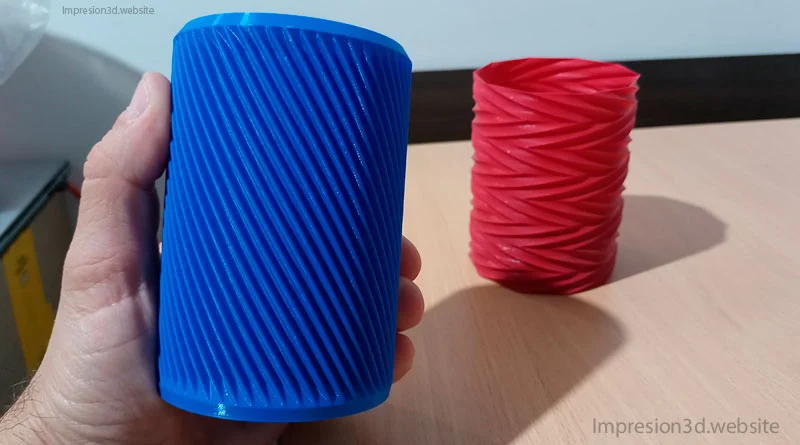
One of the special modes in Cura is «spiral the outer contour,» which is also known as «Vase mode» and mainly used for 3D printing vases.
Spiraling the outer contour first prints all the bottom layers of the base (of the 3D model) and then starts printing a single wall up the Z axis, moving in a spiral shape until it reaches the top.
This special mode of Cura saves material and time, since it uses one wall spiral shaped and 0% filler.
How to enable «Spiralize Outer Contour» in Cura
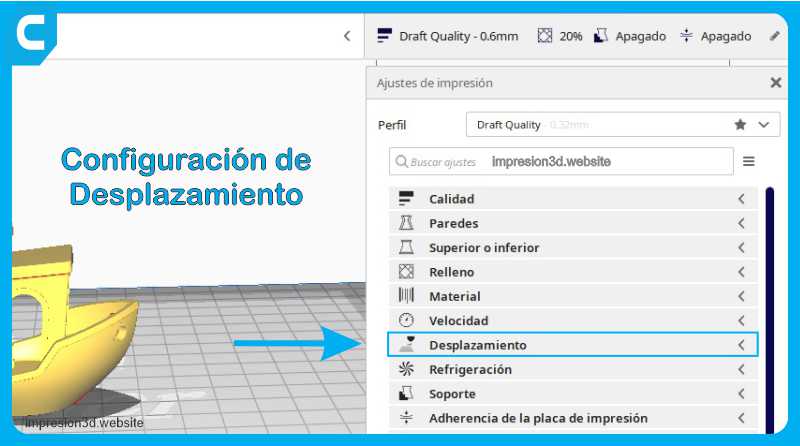
In Cura's print settings, go to «Special Modes» and enable «Spiral Outer Contour»
This mode will not work with any 3D model, since no retractions or extruder travel will be used.

You can check models in thingiverse to download.
Video on YouTube: 3DJake
Recommended configurations
Remember that not any model can be spiralized, you must choose those models prepared for this purpose, as well as configure the necessary settings to achieve a successful 3D print.
Once you have obtained your STL to print use the following settings:
(The following settings are not waterproof)
- layer height: (which you want)
- Line width: 0.4 (can go up to 0.6 with 0.4 mm nozzle)
- wall thickness: 0.8mm (Can go up to 1.2mm with 0.4mm nozzle)
- upper layers: 0
- lower layers: 4
- Speed: between 30 and 50 mm/s
- Stuffed: (Filling is disabled when activating spiralize mode)
- Spiralize Outer Contour: Activated
(The following settings can be waterproof, (you must experience))
- layer height: (between 0.05 mm and 0.1 mm) The layers must be very thin
- warm bed: 60 °C
- hotend: 225 °C for PLA
- FLOW: 130%
- lower layers: 5
- fan speed: 100%
- Stuffed: (Filling is disabled when activating spiralize mode)
- Spiralize Outer Contour: Activated
to take into account
- Printed models will be fragile as they will only have one wall.
- Liquids can leak through the wall so they would not be suitable as flower vases.
- One model can be printed at a time, since the nozzle makes a single continuous movement.
- You can also make other models like small organizers.
what can be printed
Cura's spiralize outer contour mode is ideal for 3D printing vases, pots, lamps or flower vases.
Below you can see some options made with this special mode.
- Vases or vessels
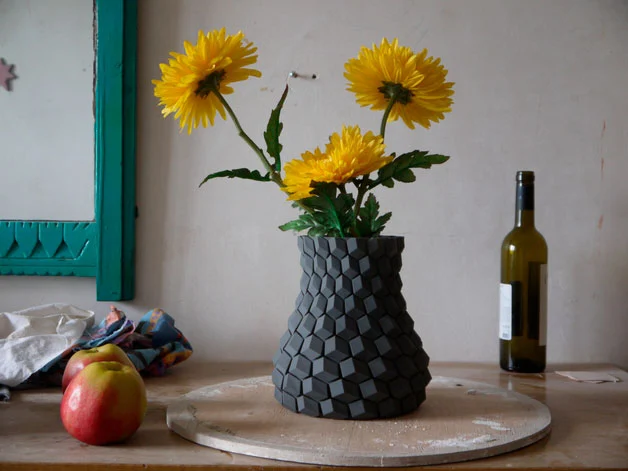
by eggnot
- containers or bottles
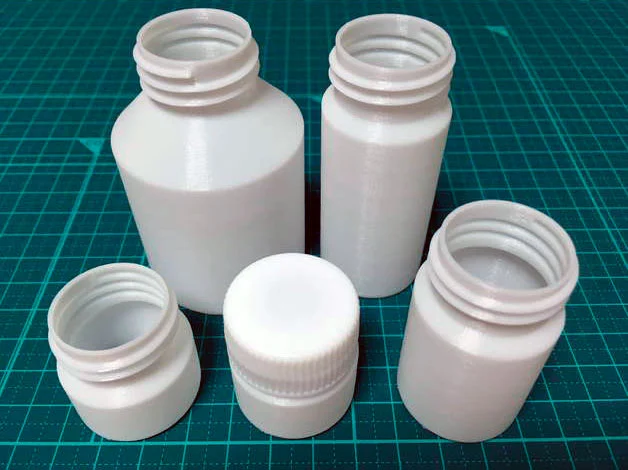
by ebith
- Pots
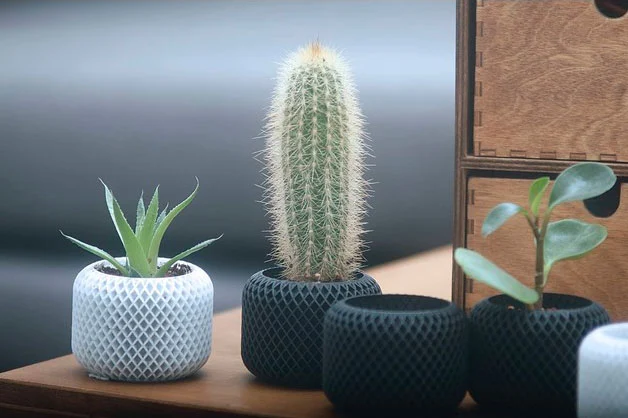
by Julian1111
- Lamp holder
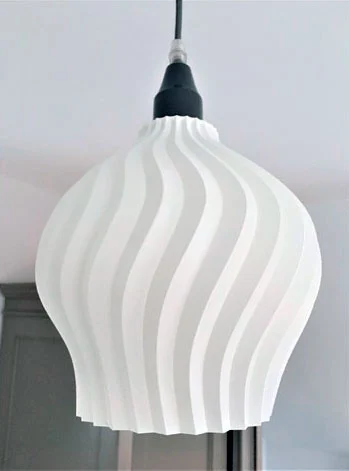
- stackable organizers
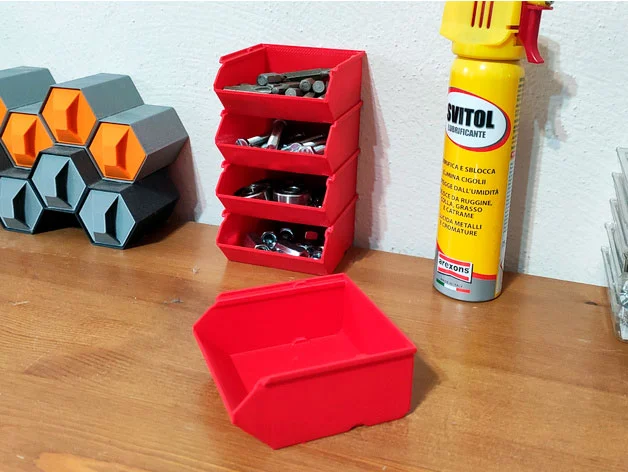
by EngineEli
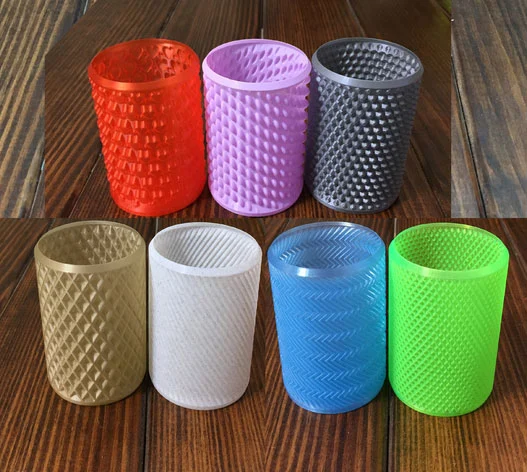
- Mugs for beer cans (or Pencils)
- skull container

by C47_3D
- drawer organizers
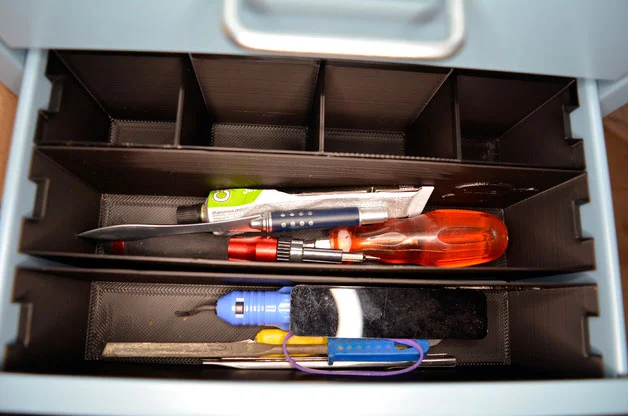
- And if you search, you will surely find more models to print in Spiral Mode…
Practical task:
Choose a model to print in «Spiral outer contour» mode and give it a try.
I invite you to read How to activate and configure smoothing in Cura a post that might interest you.

Responses