
Easy to Remove Supports in Cura: Best Settings
Para soportes fáciles de quitar en Cura optimiza los siguientes ajustes: Patrón de soporte, Densidad del soporte, Distancia en Z del soporte, Distancia X/Y de…

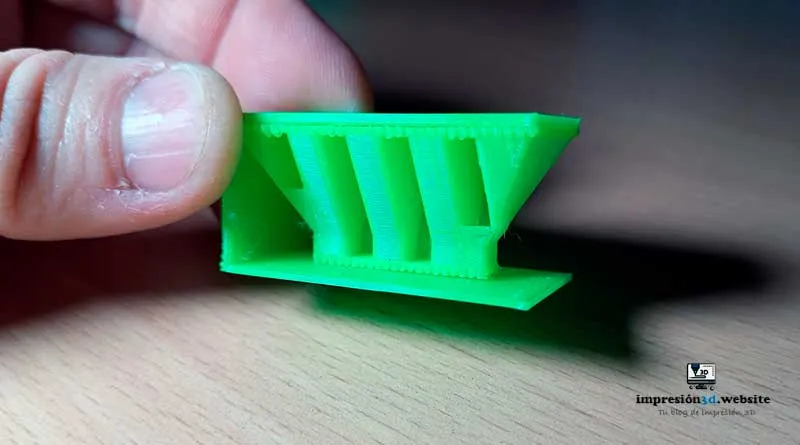
Para soportes fáciles de quitar en Cura optimiza los siguientes ajustes: Patrón de soporte, Densidad del soporte, Distancia en Z del soporte, Distancia X/Y de…
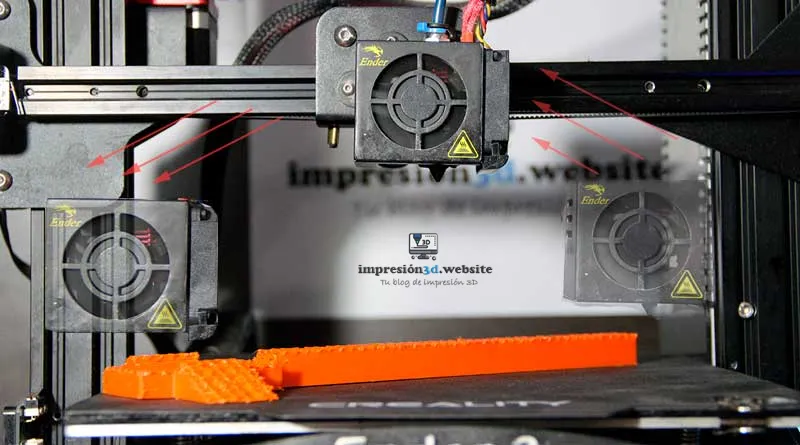
The Z-skip is a setting in the offset configuration that allows the nozzle to be lifted off the printing surface to avoid collisions...
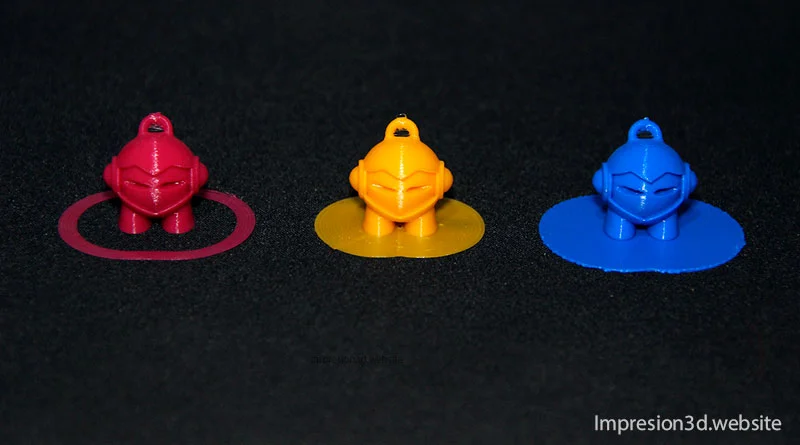
Skirt Edge or Raft are Cura configurations that determine the type of adhesion to the printing plate. Their correct use is of vital importance...
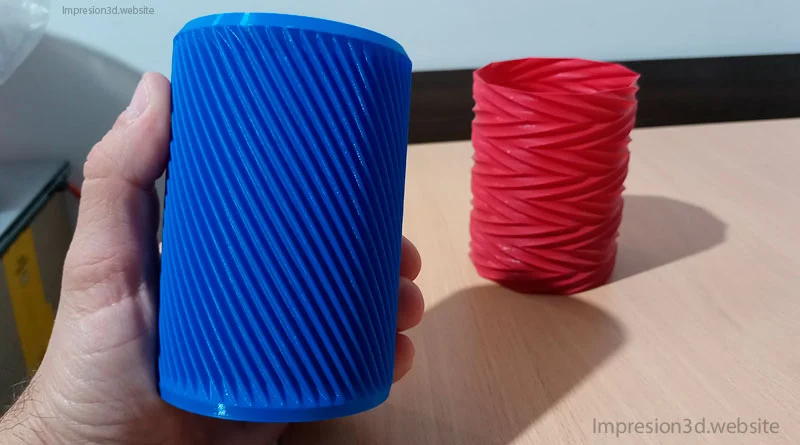
One of the special modes in Cura is «spiral the outer contour,» which is also known as «Vase mode» and is used…
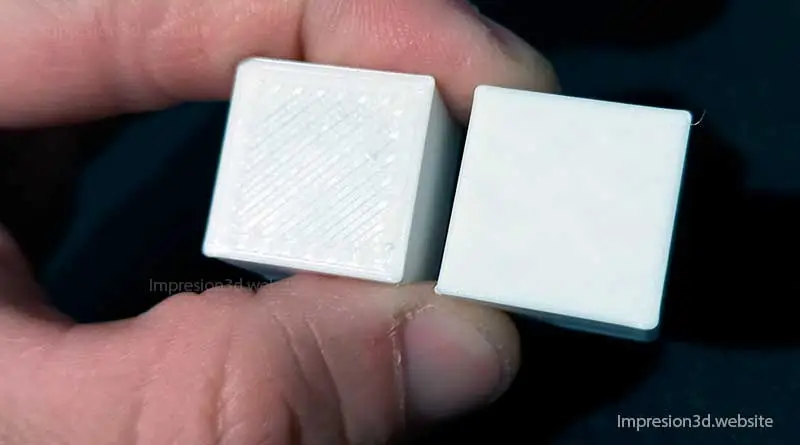
Anti-aliasing is a setting in Cura settings that allows you to obtain smooth surfaces on the top layers of the printed model. Enabling this setting will allow you to achieve a smooth surface…
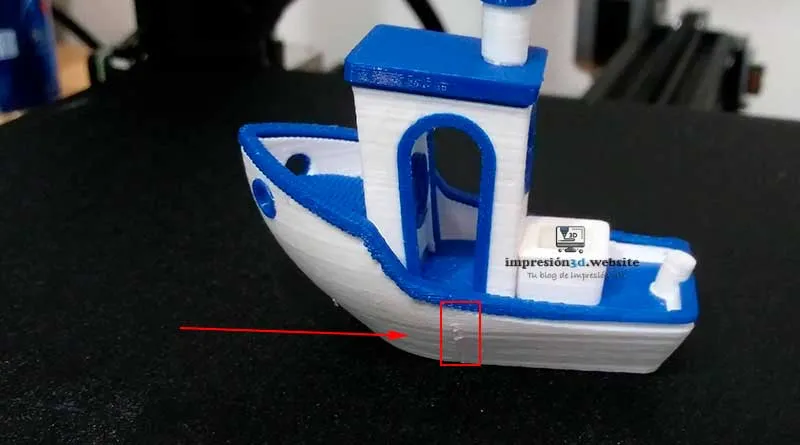
To hide seams in Cura go to the Wall -> Z-seam alignment settings and then choose the best options for the...
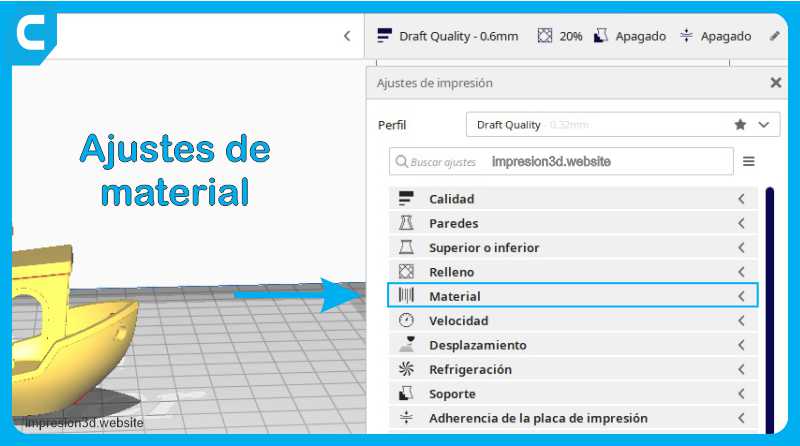
The printing temperature is one of the key factors that determine the success of your printing. Properly controlling the temperature allows you to obtain the best results....
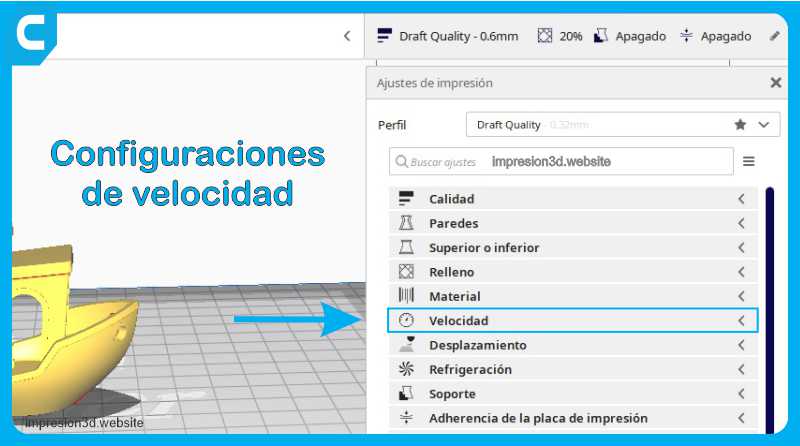
Print speed This setting defines the speed at which the model is to be printed in mm/s. With a high speed the printing times...
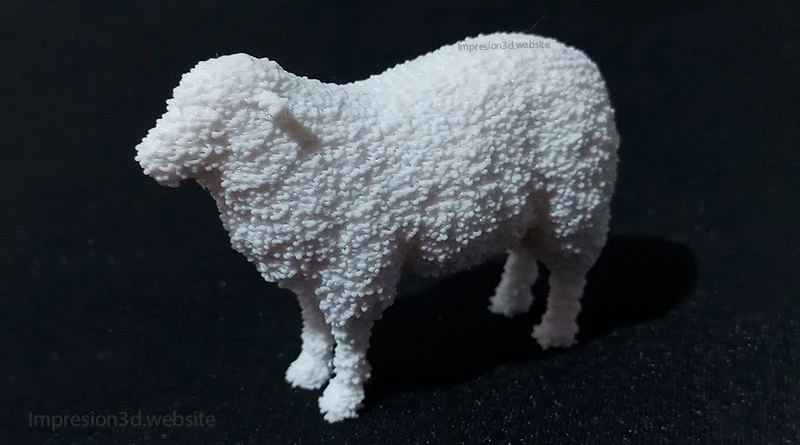
The Fuzzy Skin function is a hidden option in Cura's experimental settings, when activated, the printer nozzle...
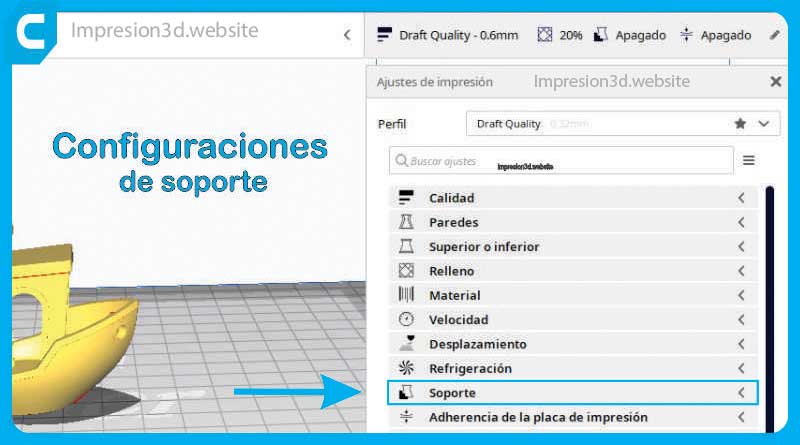
When it comes to printing complex 3D models, supports are an essential part of the process. In Ultimaker Cura, you can customize and adjust a wide range of support…